Stop paying for licenses
nobody's using.

LicenseLens analyzes real usage across your Microsoft 365 estate and tells you — with evidence, not guesses — exactly which licenses to reclaim, downgrade, keep, or upgrade. Read-only Graph API access.

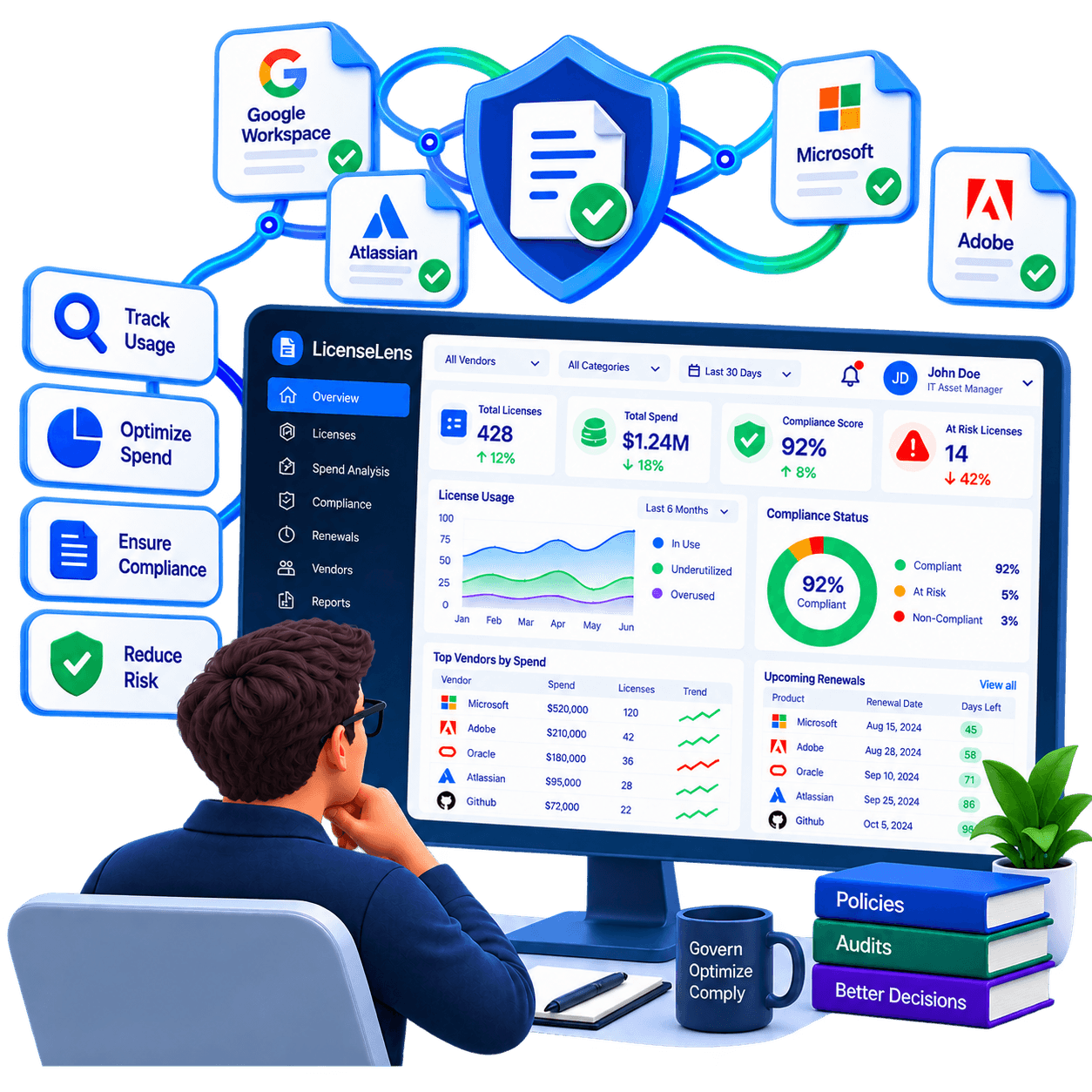
LicenseLens Microsoft 365 License Intelligence 3D Illustration

The Problem

Enterprises waste millions on unused M365 E5 and E3 licenses.

Organizations allocate expensive Microsoft 365 E5 SKUs by default. Yet real activity signals reveal that hundreds of users never sign in, only use mobile webmail, or never touch advanced compliance, voice, or security features. Without auditable usage evidence, IT leaders fear downgrading anyone — until renewal day arrives.

×

Blind license renewals based on assigned seat counts rather than real user activity

×

Over-licensing users with expensive E5 SKUs when basic E3 or Deskless F3 fits their role

×

Orphaned licenses still allocated to departed contractors and disabled Entra ID accounts

×

Fear of disrupting employee productivity without definitive, evidence-backed usage scores

The Promise

“Stop paying for licenses nobody's using.”
STAGE 01

LICENSELENS · EXECUTIVE ANALYTICS

One Number for the Board. Full Detail for IT.

Get a single, defensible view of identified, annualized, and realized M365 savings while retaining granular per-user SKU details across E5, E3, and E1.

LicenseLens
LicenseLens — Executive Analytics
Executive
Usage Signals
Recommendations
Governance

Read-only Graph API · 3,420 users analyzed across 1 M365 tenant

Monthly Savings
$42,800
↑ identified
Annualized Spend Cut
$513.6K
↑ projected
Safe to Automate
$18,200
→ 42.5% of waste

Tenant SKU Distribution & Waste

Microsoft 365 E51240 seats
186 underutilized·Downgrade to E3 / Reclaim
$10,602/mo
waste/mo
Microsoft 365 E31680 seats
142 underutilized·Reclaim Inactive Mailboxes
$5,112/mo
waste/mo
Power BI Pro Add-on420 seats
88 underutilized·Zero Usage in 90 Days
$1,760/mo
waste/mo
M365 Graph telemetry synced
1 Tenant · 3,420 Accounts
STAGE 02

LICENSELENS · USAGE SIGNALS

Every User, Every License Analyzed — Not Sampled.

Runs full-tenant analysis using real usage signals across Microsoft 365 sign-in activity, desktop/web apps, and Exchange mailbox signals.

LicenseLens
LicenseLens — User-Level Usage Signals
Executive
Usage Signals
Recommendations
Governance

Every user, every license analyzed · Granular telemetry from M365 Graph API

Users Analyzed
3,420
→ 100% full tenant
Signal Confidence
96.8%
↑ multi-source
Underutilized
412
▲ users flagged

Per-User Telemetry & Activity Signals

David Chen(Contractors)M365 E3
Sign-in: 78 days ago · Mailbox: Inactive · 0 launches / 90d
Reclaim seatScore: 99%
Sarah Jenkins(Sales)M365 E5
Sign-in: Today (web) · Mailbox: Active · Word/Excel web only (no E5 voice/security)
Downgrade to E3Score: 96%
Marcus Vance(Operations)M365 E3
Sign-in: Yesterday · Mailbox: Active · Mobile Teams only (deskless profile)
Shift to F3 / DesklessScore: 92%
Sign-in, Exchange, and Teams signals live
90-day activity window
STAGE 03

LICENSELENS · RECOMMENDATIONS

Reclaim, Downgrade, Keep, or Upgrade — With a Reason.

Evidence-backed recommendations identify the right license action for every user with audit trails, usage scores, and bulk approval actions.

LicenseLens
LicenseLens — Evidence-Backed Recommendations
Executive
Usage Signals
Recommendations
Governance

Reclaim, downgrade, keep, or upgrade with audit-ready justification

Recommendations
276
↑ ranked by ROI
Potential Value
$13,654
↑ /month savings
Avg Evidence Score
96.2%
↑ audit-backed

Ranked Action Items with Justification

ReclaimReclaim 86 Inactive M365 E5 Licenses
$4,902/mo
Zero interactive sign-in or Teams activity for > 60 consecutive daysEvidence: 98%
DowngradeDowngrade 142 Users from E5 to E3
$4,544/mo
No usage of advanced compliance, Defender for O365, or audio conferencingEvidence: 94%
ReclaimDeprovision 48 Disabled Accounts with Active SKUs
$2,736/mo
Accounts marked disabled in Entra ID still retain allocated licensesEvidence: 100%
Audit-ready justification attached to each item
STAGE 04

LICENSELENS · TIERED GOVERNANCE

Automate What's Safe. Review What's Not.

Routes license changes through governance tiers (Automate, Recommend, Govern) based on risk, with department savings reports for Finance.

LicenseLens
LicenseLens — Governance & Reports
Executive
Usage Signals
Recommendations
Governance

Multi-tier risk governance, delegated manager reviews, and department chargebacks

Automated
$2,736
↑ zero friction
Pending Review
142
▲ queued for managers
Audit Trail
100%
↑ evidence logged
Automate

Safe, high-confidence changes executed automatically

$2,736/mo48 seats
Recommend

Changes requiring department or manager confirmation

$4,544/mo142 seats
Govern

High-impact changes requiring formal Finance/IT sign-off

$3,610/mo38 seats

Department Chargeback & Realization

Engineering
410 seats$14,200/mo88% realized
Sales & Marketing
320 seats$11,800/mo94% realized
Operations
280 seats$8,600/mo76% realized
Automated department reports active

Core Capabilities

Every user, every license, analyzed — not sampled.

Read-only Microsoft Graph API connection

Per-user sign-in and application usage analysis

Evidence-backed reclaim and downgrade actions

3-tier governance: Automate, Recommend, Govern

Department-level savings & SKU mix reporting

Multi-tenant and MSP organizational management

LicenseLensWorkflow Architecture

LicenseLens workflow.

↺ CONTINUOUS REVIEW: REALIZED CAPACITY RE-ENTERS TENANT POOL01 · USERSPEOPLEEngineeringProduct & DesignSales & GTMOperationsTenant User Base02 · CORELICENSELENSINTELLIGENCEGraph API SignalsOwnership EngineSOFTWAREServices · Apps · ToolsM365 & SaaS CatalogLICENSESAssigned & AvailableCapacity Ledger03 · MESHUSAGESIGNALSHigh / Low90d Inactive04 · DETECTOPPORTUNITYunusedactivereclaimRECLAIMLicense to poolInstant ReturnREASSIGNMove to userAvoid PurchaseDOWNGRADERight-size tierE5 to E3 / Web06 · RESULTOPTIMIZEDSTATE ↺Zero WasteGoverned ↺

Opportunity Detection

04 · WASTE IDENTIFICATION

Scores all tenant accounts into three distinct action states: unused dormant seats, active right-size candidates, and instant reclaim opportunities.

Unused Dormant Accounts
Active Right-Size Candidates
100% Safe Reclaim Seats
Dollar Recovery Evidence
LicenseLens Product Overview
Automated Microsoft 365 License DiscoveryDormant Account & Duplicate Tier DetectionReal-Time Subscription Downgrade Recommendations
Core MissionThe LicenseLens Purpose

Connect usage to software ownership.

I connect software usage, users, departments, and licenses so you can reclaim what isn’t being used and govern what you own.
LicenseLens/ M365 & SaaS License Intelligence